STUDIO ACCOUNT
Sign in to your workspace
Sign in with your studio account. Galleries and client progress sync automatically.
ACCOUNT HELP
Find your company code
Enter the email registered to your studio. We will send its company code there.
ACCOUNT HELP
Reset your password
We will send a six-digit reset code to your registered work email.
The code expires in 15 minutes. If it does not arrive, check your spam folder.
NEW STUDIO
Create your company account
Everything starts here. We will email a six-digit verification code, then your studio will open in this workspace.
VERIFY YOUR EMAIL
Finish your studio setup
The code expires in 15 minutes.
YOUR CREATIVE CONTROL ROOM
Your company
Connecting to ImperOpen…
FROM FIRST PREVIEW TO FINAL RAW
Keep the creative work.
Lose the extra steps.
Your clients choose online. Their progress comes here automatically. Export the selected originals when they finish.
Explore your galleries ↘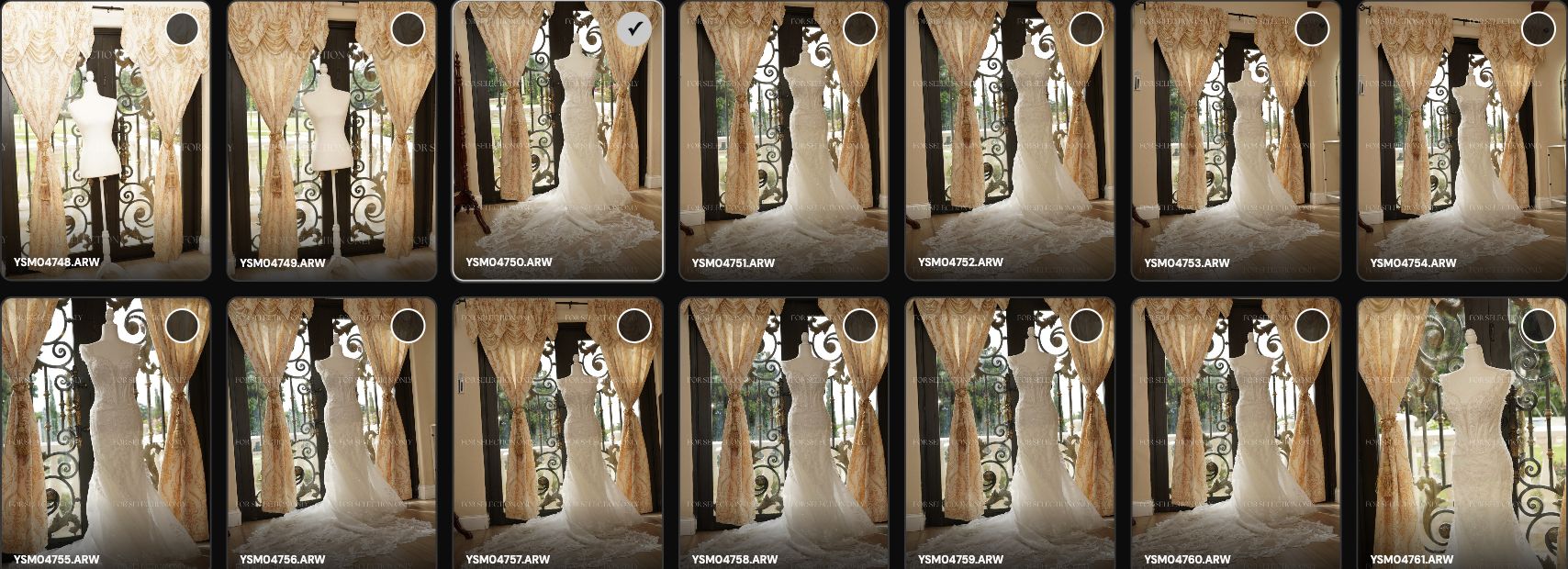
Important: To export or prepare previews from this website, use the same Mac where RAW Selection System 0.2.10 or later is installed and your original RAW files are available, locally or on a connected drive. The website opens the app; the app remembers the originals folder and asks where to save the exported copies. After the client finishes, choose EXPORT RAW SELECTION to save copies of the selected originals.
YOUR PROJECTS
Every story, in one place.
START SOMETHING NEWCreate a client gallery+
Studio settings · Extra-photo pricing
THE WORKFLOW
From your folder to the client's selection.
Choose the folder of original RAW files. The app creates protected previews for the private client gallery. Once the client completes selection and any extra photo payment, click EXPORT RAW SELECTION on the completed gallery to export copies of the chosen originals.
We are Open to your Idea. Recomienda funciones, recursos o mejoras para RAW Selection System. Enviar una idea no garantiza que se incorpore al producto oficial.